


THE ULTIMATE GOLF SIMULATOR GUIDE
Learn everything you need to know before buying.
Assess Your Space & Budget
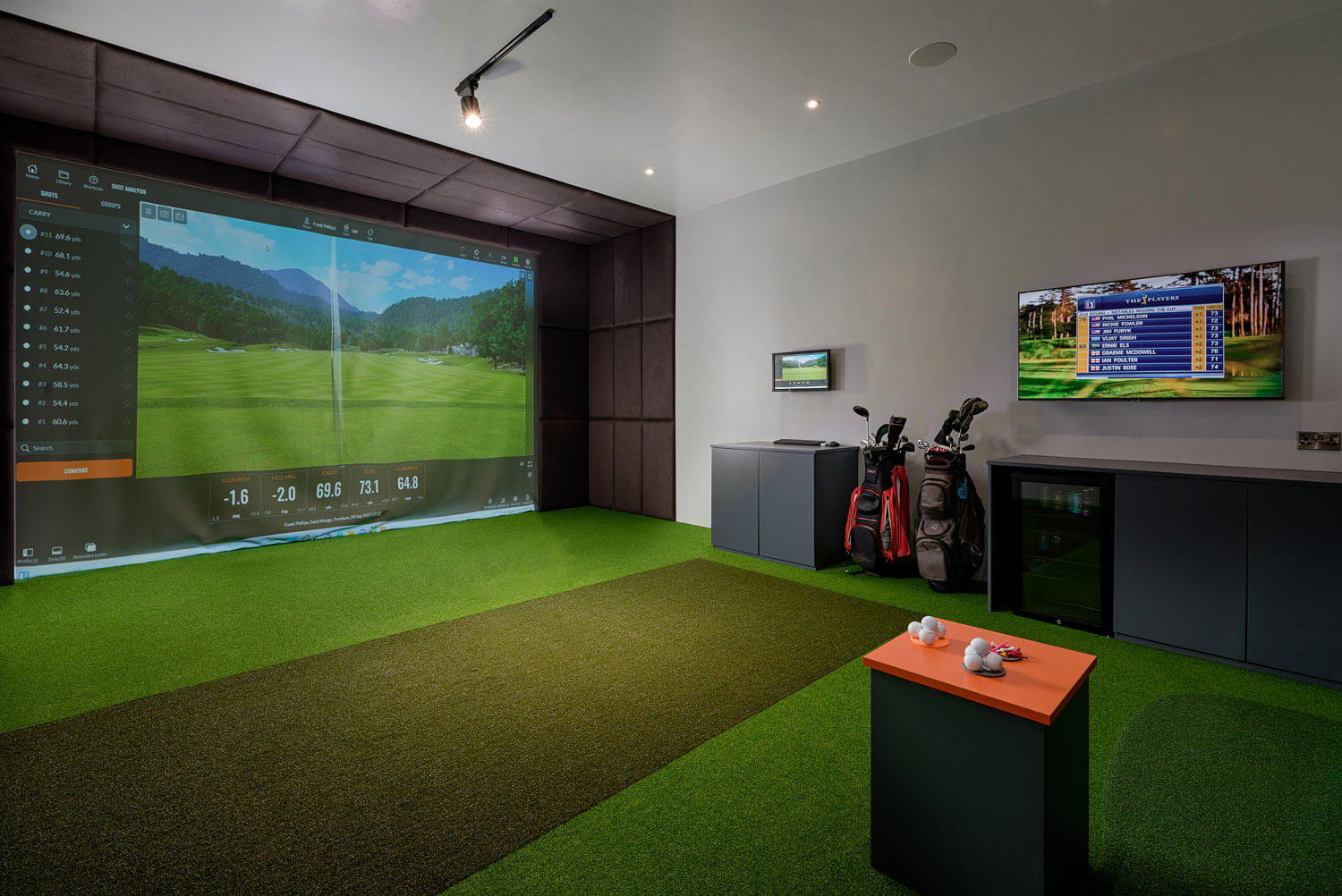
Whether it’s a garage or a spare room, you’ll need enough height and lateral space for a full swing. More if you want to make it a social space and enjoy your virtual rounds with friends and family.
Needed:
- Height - 2.8m
- Width - 3m
- Depth - 4m (Photometric)
- Depth - 5m (Radar)
These are the minimum room dimensions for you to feel "comfortable", there can be exceptions where we can go slightly smaller but these are our recommended minimum dimensions.
So get rid of the clutter, consider potential obstacles - we’re talking pipes, vents, or low-hanging fixtures - and get accurate measurements for the space you have to work with.
Then you can start to think about how much you want to spend on your home golf setup. There are options to suit all budgets, whether you’re looking for a casual round every so often or a professional coaching aid.
Unsure if your space is big enough or just want a second opinion? Schedule a video call with our experts. We’ll help you decide on layout, gear, and take you through the options to suit your budget.
The Brains of Your Setup | Choosing Your Launch Monitor
Picking the right launch monitor is often the trickiest part of building a golf simulator. There’s a dizzying amount of options and price points. To help narrow things down, it’s useful to think about things from two perspectives:
- The technology behind each system
- Its physical placement in your setup
Let’s start with the tech.
Launch monitors are either radar-based (Doppler) or camera-based (photometric). Both capture key details like ball speed, spin, and the launch angle of your shots. Radar systems bounce radio frequency signals off the ball, while camera units rely on high-speed photography to measure those metrics frame by frame.
It’s not that one method is better or more accurate than the other. Both have strengths and weaknesses. Plus, there are a bunch of things that have an impact beyond the system you’re using, including the quality of its parts and sensors, your software of choice, and more general setup factors.
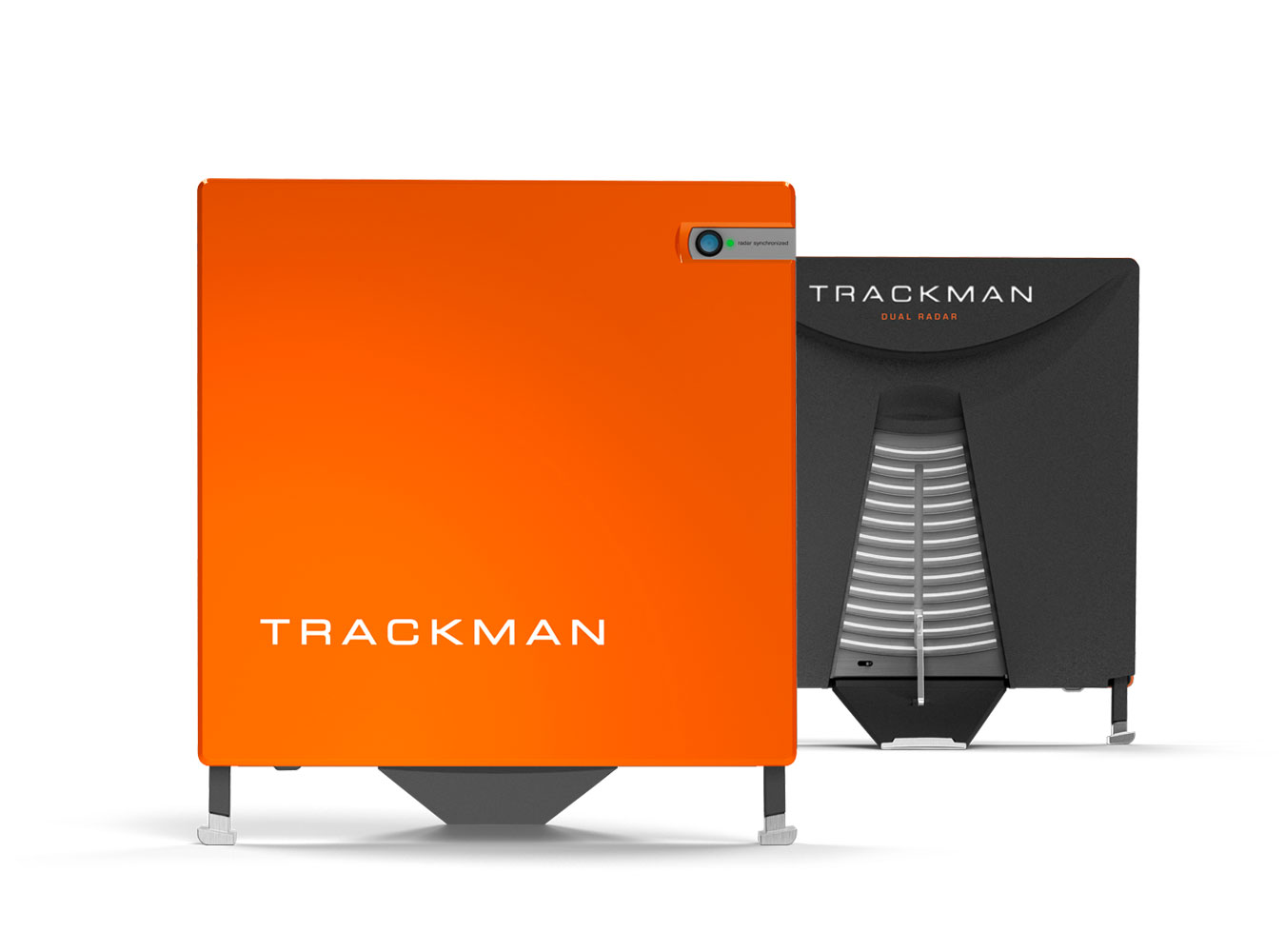
It’s also worth noting that some radar systems such as the Trackman 4 and the Rapsodo MLM 2 Pro also include optical sensors, but it’s usually for alignment or swing-video capture rather than ball data measurements.
Closed Data vs. Open Data
Camera-based systems give you ‘closed data’. They measure launch conditions at the moment of impact, which means wind and other outside elements aren’t factored into your metrics. Meanwhile, radar devices use ‘open data’ - they track the ball further downrange, which is ideal if you want to see how conditions beyond your swing are impacting your shots. With this in mind, you can see why radar-based systems tend to be preferred for use outdoors.
Spin & Spin-Axis Nuances
Nailing your spin metrics is where camera-based systems excel. By capturing the ball’s dimple pattern frame by frame, they can track exactly how fast - and on what axis - your ball is spinning. Radar systems also measure spin, but tend to infer it based on the flight path of your ball. That makes sense outdoors, but isn’t always best for indoor setups.
Club Data Accuracy
Some radar units approximate clubface position from behind, which can lead to minor inaccuracies in your metrics, especially on toe or heel strikes. Camera-based devices often see the entire clubface for a crystal-clear look at how and where you’re striking the ball. If super-detailed club data is a priority, a camera-based launch monitor might be best.

Where to place your launch monitor?
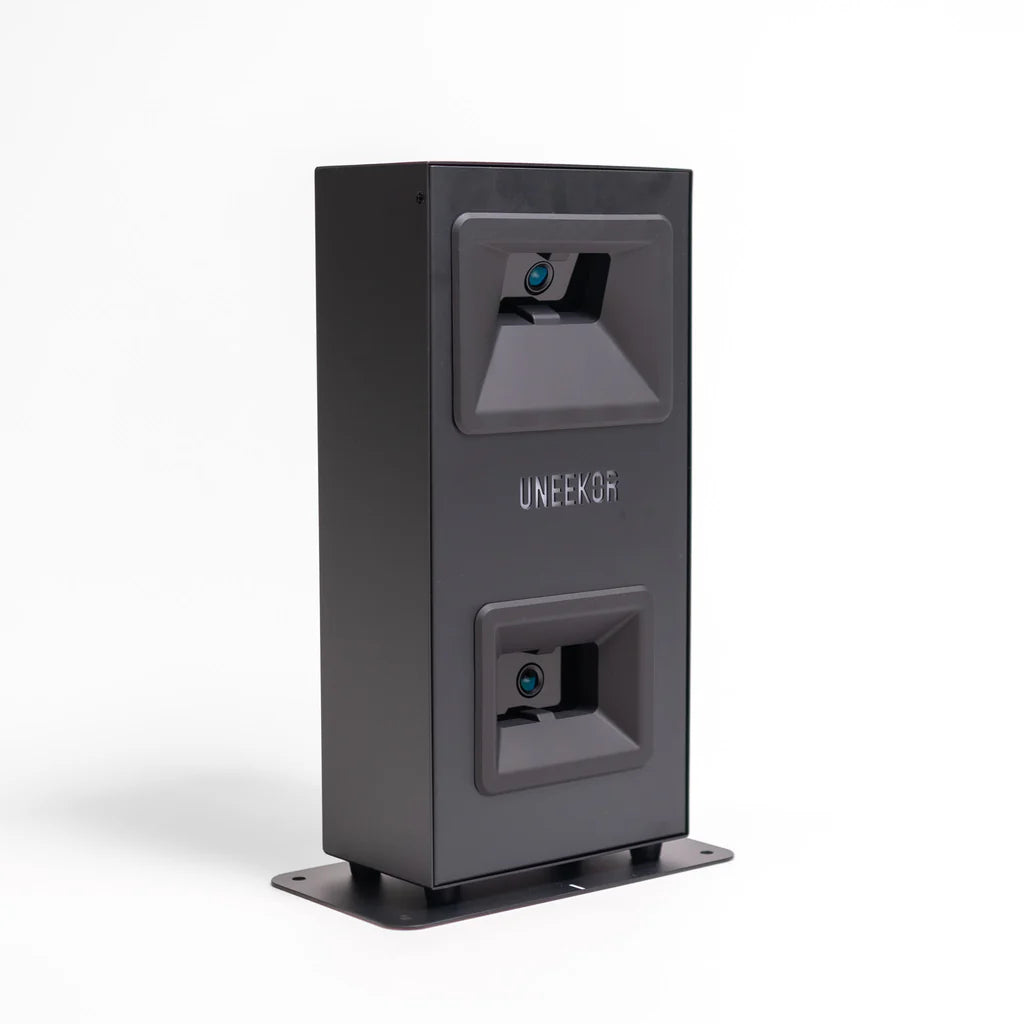
Overhead Launch Monitors mount to the ceiling and are ideal if you regularly host both right and left-handed players, since you don’t have to reposition the unit between shots. These launch monitors are fixed,
generally needing a ceiling height of at least nine feet and can’t be taken outdoors. They tend to offer top-of-the-range object-sensing and image-capturing technology, and are recommended for sleek, professional setups.
This all comes with a higher price tag.
Our Favourite Overhead Launch Monitors:
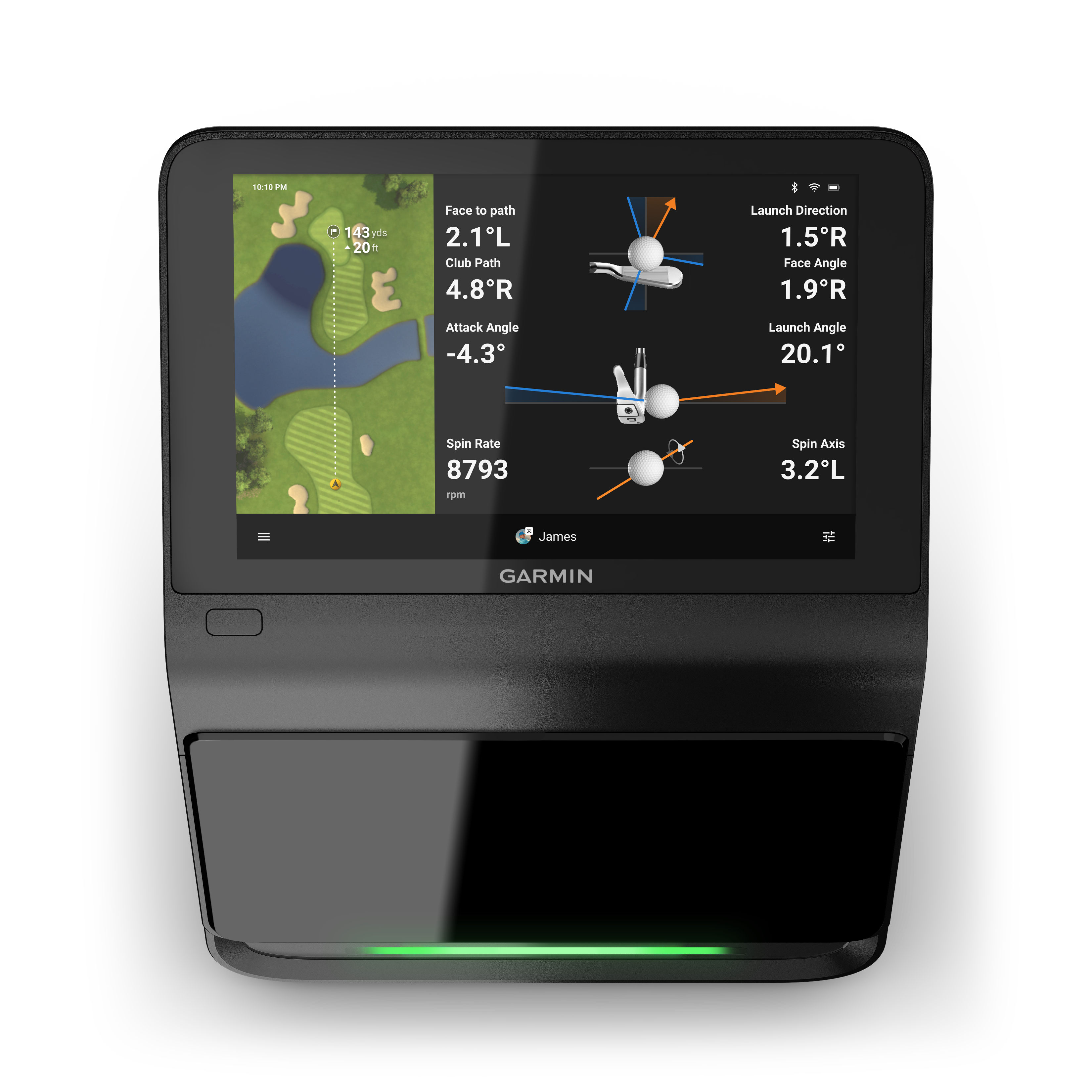
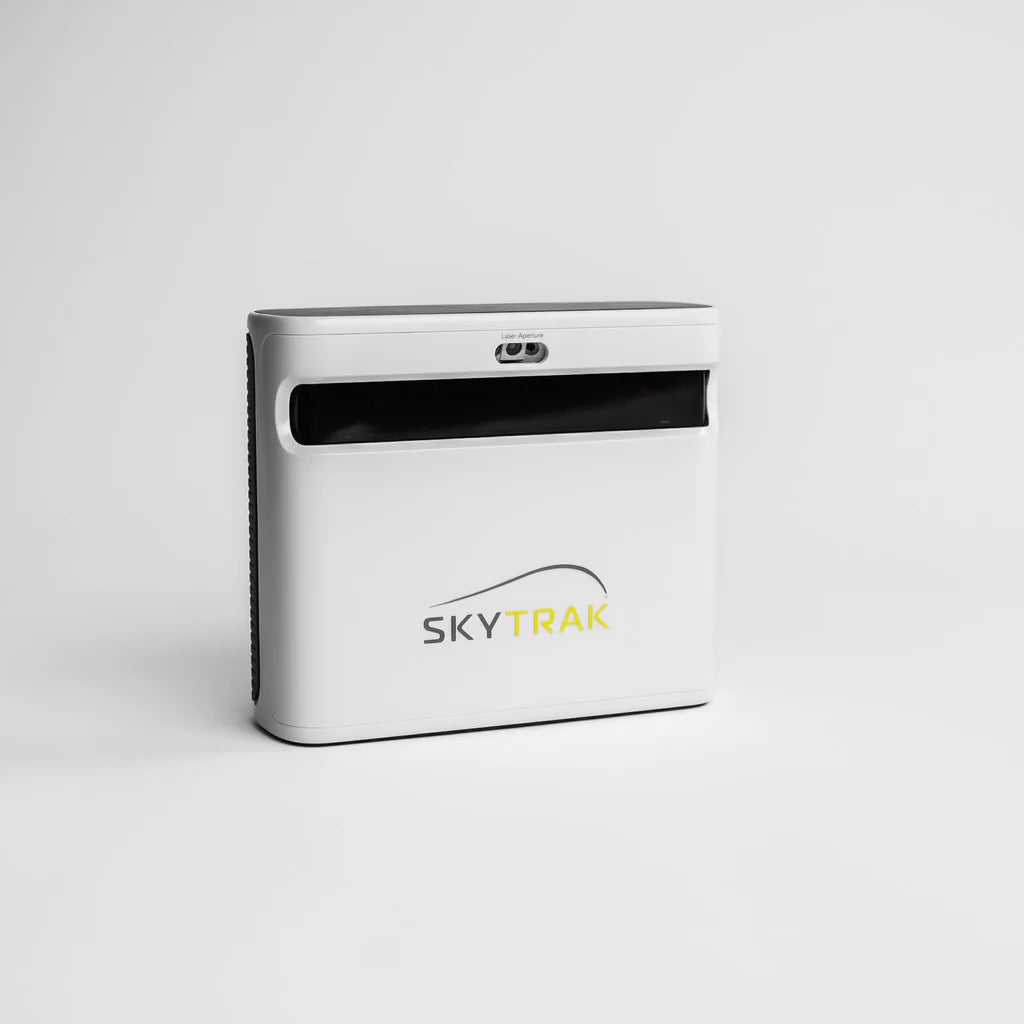
Floor-Based Launch Monitors sit beside the hitting area. These work great for smaller spaces because they don’t demand a big room depth. Many can be used indoors and outdoors, making them flexible and portable
if you want to track your swing on the range. The downside: if you’ve got both righties and lefties, you’ll have to move and realign the unit between shots.
Our Favourite Floor-Based Launch Monitors:
Choosing Your Projector
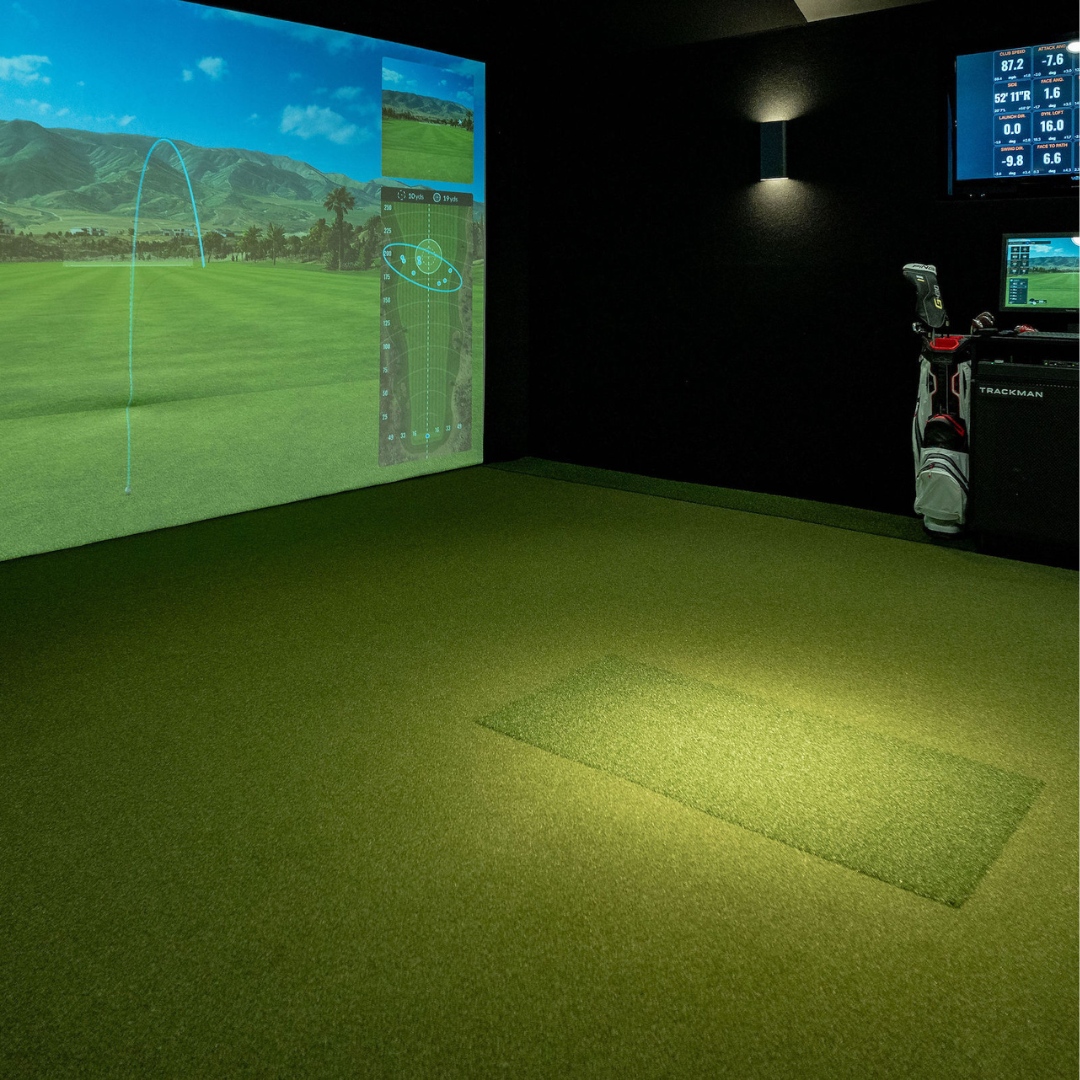
If you’re looking for the most immersive indoor golf experience, a projector and impact screen combination is the way to go. A well-chosen projector turns every shot into a larger-than-life spectacle and makes you feel like you’ve stepped onto a championship course.
Here’s what to consider before you invest…
Throw Distance & Lumens (Brightness)
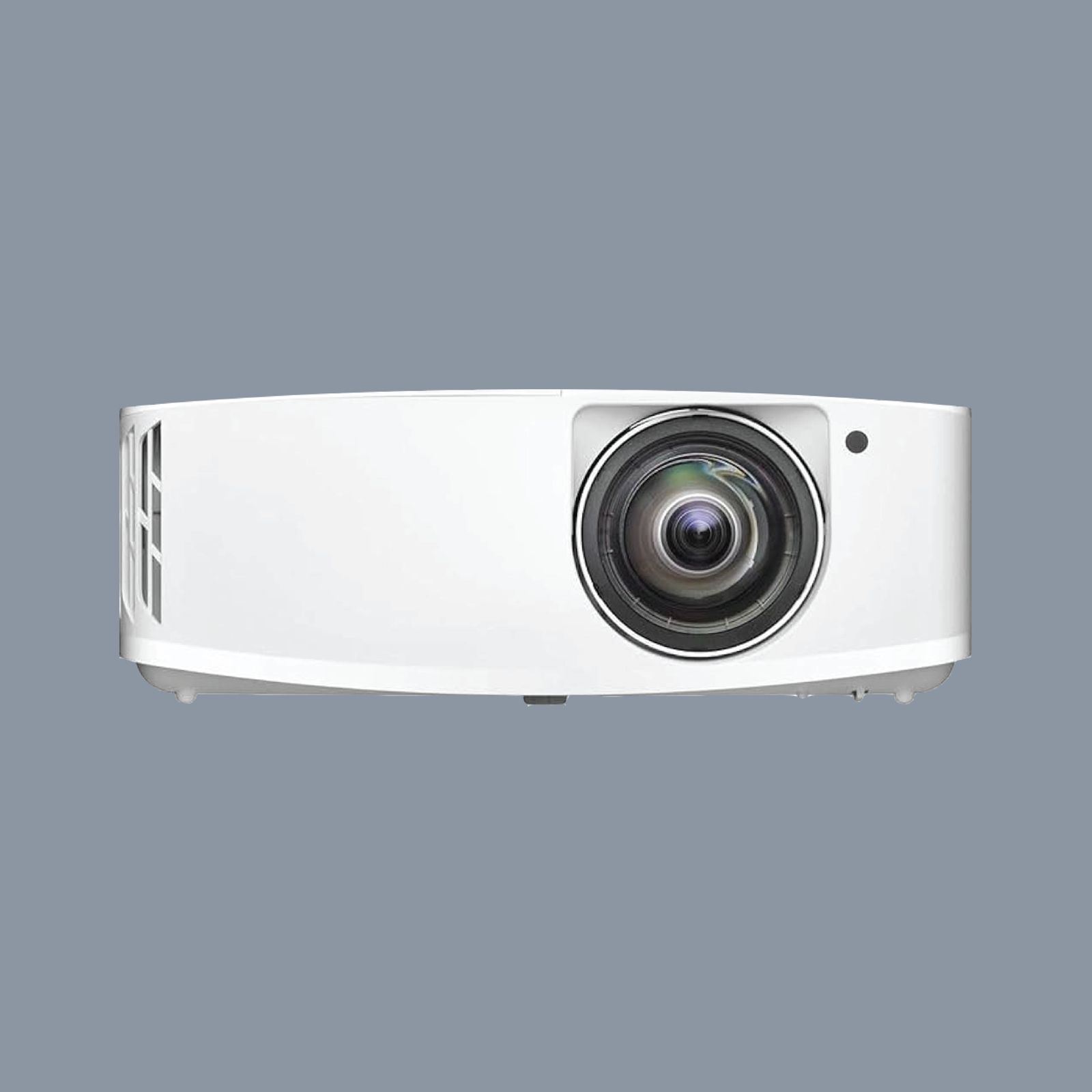
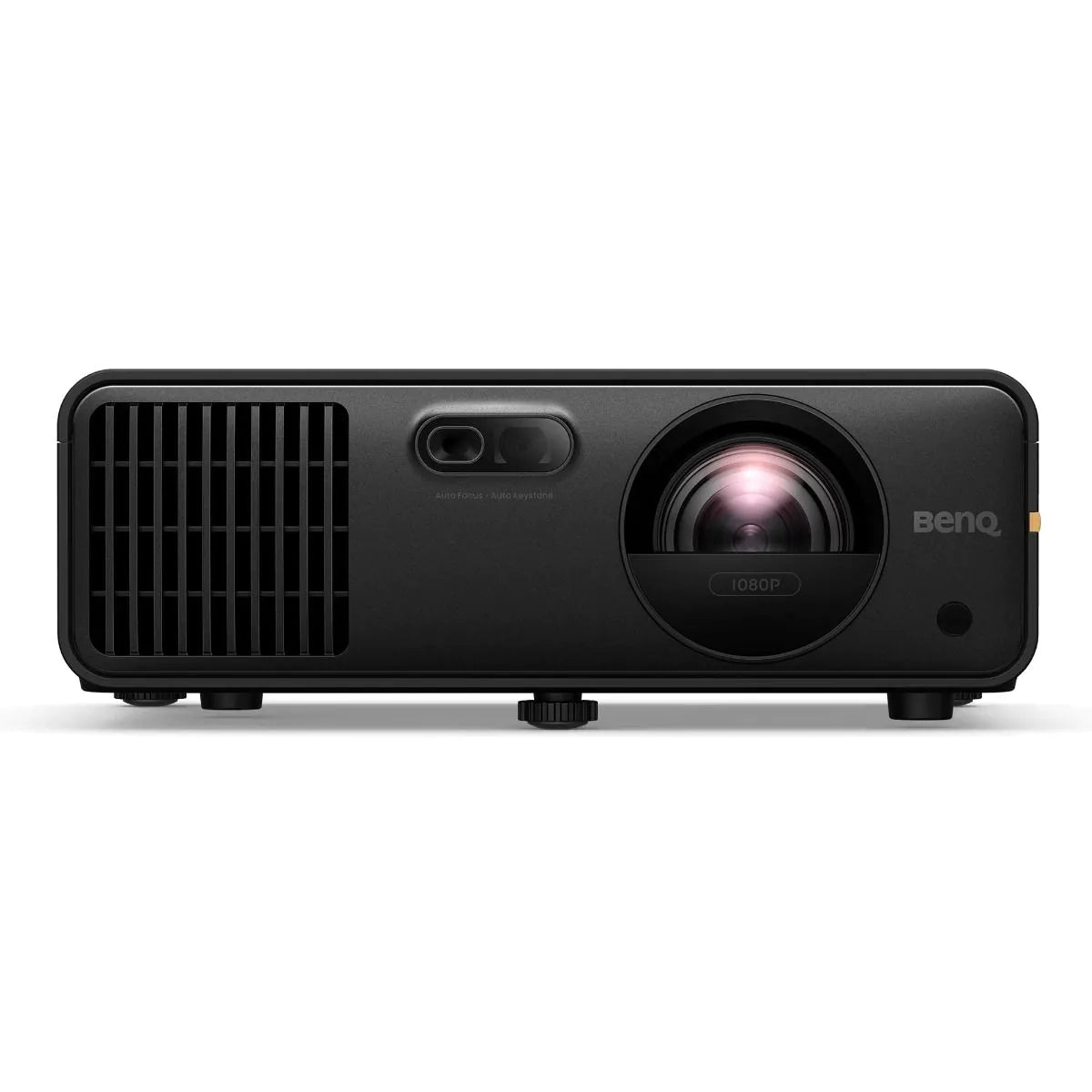
Short-Throw Projectors: Ideal for smaller rooms or setups where you don’t want a projector hanging far behind you (and potentially casting distracting shadows). Even from a short distance, these models can fill a large portion of your impact screen.
Standard-Throw Projectors: Typically require more space between the projector and screen, but may offer a broader range of brightness and price options. Suited to larger spaces where distance isn’t an issue.
A projector’s ANSI lumens rating determines how crisp your image looks, especially if the room isn’t completely dark.
For many home setups, 2,000–3,000 lumens provides a bright, clear image; if there’s significant ambient light, aim for 4,000+ lumens to keep your visuals vivid.

THE ULTIMATE GOLF SIMULATOR GUIDE
Learn everything you need to know before buying and what device and set up is best for you.
Why Choose Foremat Golf
PROFESSIONAL-GRADE SIMULATORS
The same technology trusted by weekend warriors to the world's best players. Track every shot with pinpoint accuracy for genuine improvement in your game.
REALISTIC GAMEPLAY
Feel like you're on the course with faithful ball flight physics and true-to-life graphics on the world's best virtual courses.
EASY INSTALLATION
Clear video guides and tool-free assembly mean you'll be hitting balls within hours, not days. No specialist knowledge required.
CUSTOMIZABLE SETUPS
Adapt your simulator to suit any space or budget. We design solutions for everything from garage spaces to bespoke commercial venues.
DURABLE & HIGH-QUALITY MATERIALS
Built to withstand thousands of full-power drives. Our screens and enclosures keep performing long after inferior products fail.